Using Report Variants
Using Report Variants 
Procedure
- From the menu bar, choose System ® Services ® Reporting.
- In the Program field, enter the report name. (If you do not know the name, see Finding the Name of a Report You Want to Execute.)
- Choose With variant.
The Execute program with variant dialog box appears:
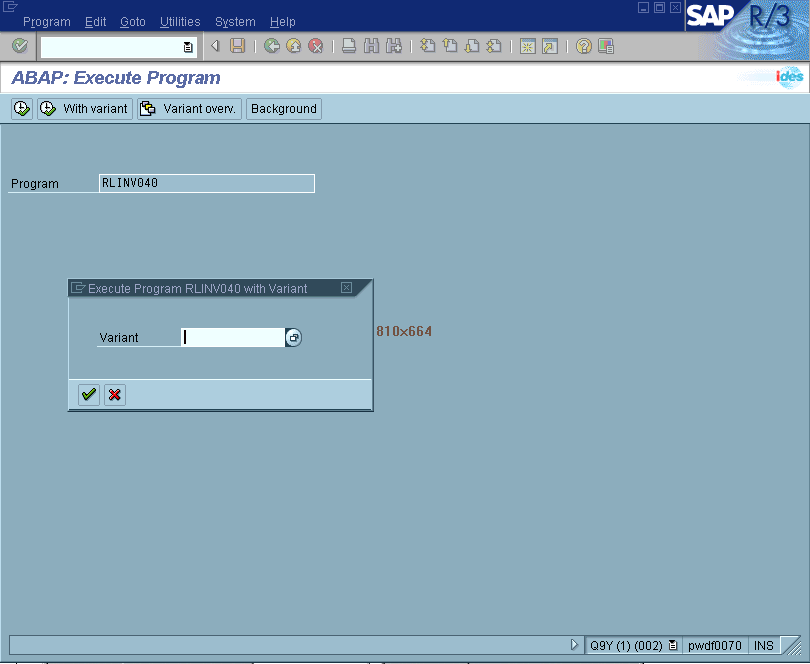
- In the Variant field, enter the desired variant. To obtain a list of available variants, choose the possible entries button.
- To execute the report with the variant, choose Execute.
The system displays the selection screen filled with data.
- Choose Execute.
The system executes the report and displays the resulting list.
Additional Information
Displaying Available Report Variants
Created with the Personal Edition of HelpNDoc: Free help authoring environment